
One simple way to elevate your murder mystery party is to include fun awards and let your guests vote on them at the end of the night.
One of our experienced customers, Rich, shared a tip for making these awards easier: use online voting to make tallying the votes quick and painless.

Rich says:
It’s great fun to have prizes awarded based on attendee votes (just before voting happens, I have the guests hold a tongue-in-cheek “parade” where they do a costume catwalk and address everyone in character). I have not needed to press them to vote – usually everyone has a smartphone nowadays and the QR code makes it really easy to access the form. I used to print paper ballots, but with various prize categories and so many characters, tallying the votes was a huge pain in the patootie, and the Google Form method, automatically collecting the responses in a spreadsheet, is 100% faster and more accurate.
Rich
Setting up your form
Here’s how it works.
Create an online form using an online form creator, such as Google Forms or Microsoft Forms.
As part of that form, create questions suited to the kind of awards you want to present. For example:
- Best Costume
- Best Acting
- Best Detectives (for those who correctly identify the culprit)
- Best Accent
- Most Suspicious (the person who received the most votes but wasn’t the murderer)
An example form
Here’s an example form we have set up for A Will to Murder. (Click on the link and see how it works – it creates a copy of the form you can use.)
When you are ready to share your form, click “Publish” in the top menu (on the left).
The “responder link” is the webpage address that you need to share with your guests. It’s easiest if you do that using a QR code.
Create a QR code
To make it easy for your guests to find the form, create a QR code for your form.
You can create QR codes using a free tool like QRcode Monkey, or some web browsers let you create a QR code by right-clicking on a webpage.
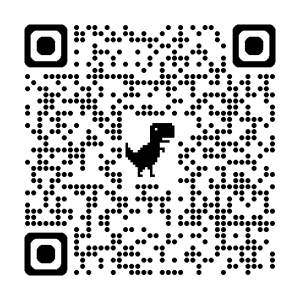
The QR code above goes to the form we created. (We created this using right-click on the responder page in Chrome.)
Share the form with your guests
Then, during your party, you can share the form with your guests. (Print the QR code so your guests can scan it with their phones.)
Tally the votes
Then you can quickly review the votes and award your prizes!




0 Comments